GitVault keeps your passwords, notes, 2FA codes, and SSH credentials with you. Encryption happens on your device; your private GitHub repository only receives ciphertext.
One calm place for the sensitive parts of your day.
Not a pile of isolated utilities. GitVault keeps the credential, context, live code, and private note close together—then keeps the readable version on the device you unlock.
Credentials + 2FA
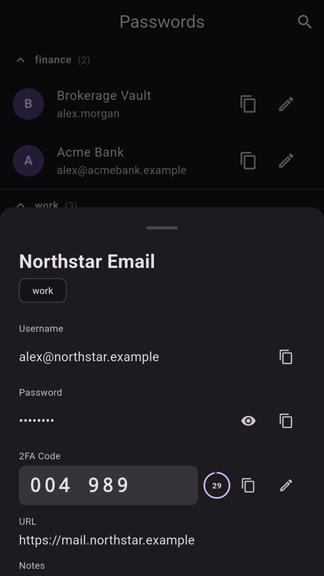
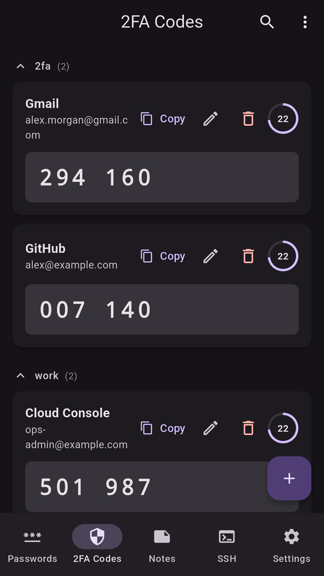
Logins and live codes, in the same private record.
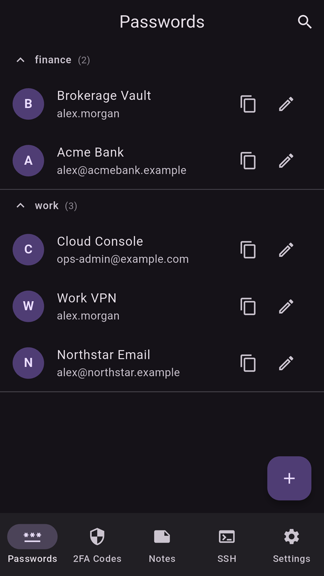
Store the URL, username, password, notes, and optional TOTP secret together. Search quickly, copy deliberately, and let the clipboard clear itself afterwards.
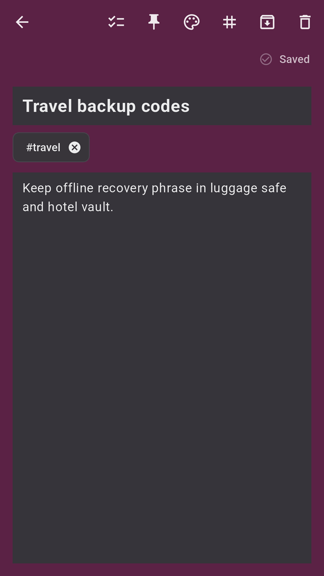
Write Markdown, pin active context, connect ideas with wiki links, and keep daily notes or templates close without sending their plain text to a hosted notes service.
Credentials + recoveryPasswords, codes, SSH, keys, tokens, PIN and recovery data
Never exposed
127.0.0.1 + stdio · lock or revoke to end access
Phone + terminal
Take the vault into the places you sign in.
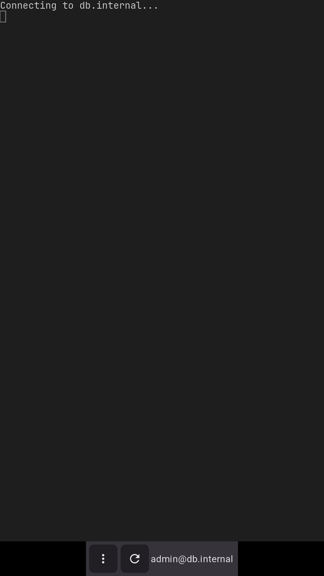
Android adds autofill and a keyboard fallback for difficult login forms. Keep SSH connection details nearby when a terminal session is part of the work.
Creates keys, encrypts records, and holds the unlocked vault session.
02Your repository
Stores encrypted vault files in the private GitHub repository you choose.
03GitVault
Has no hosted vault layer, account database, or readable copy of your secrets.
04You
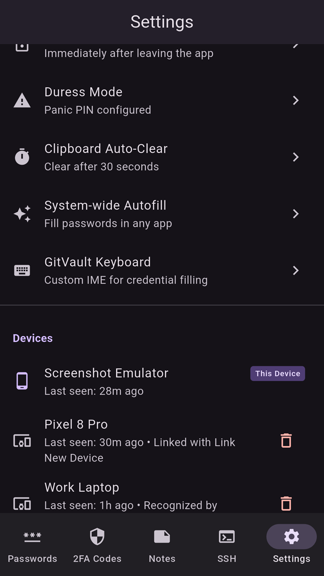
Approve devices, protect the recovery phrase, and decide when sync belongs.
private means verifiable
A quieter first setup
Bring your own key. Bring your own repository.
Start a vault in the web app, protect it with a PIN, and save the recovery phrase outside GitVault. Connect a private repository when you want encrypted backup or another trusted device.